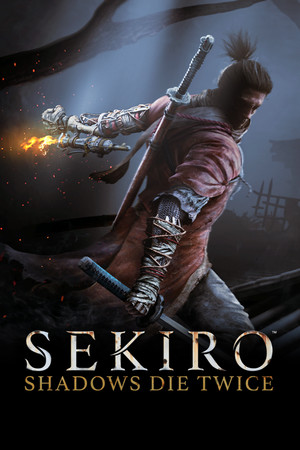
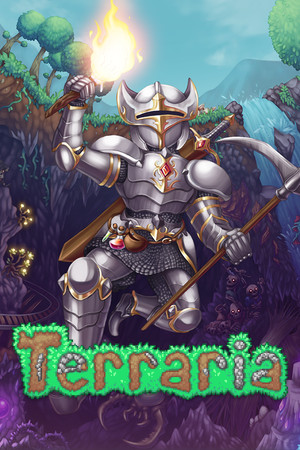
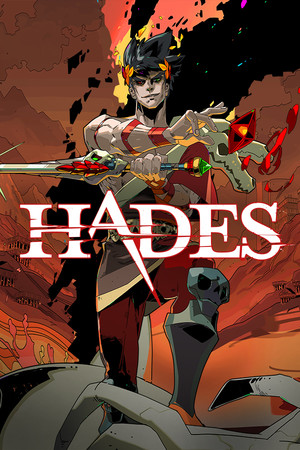
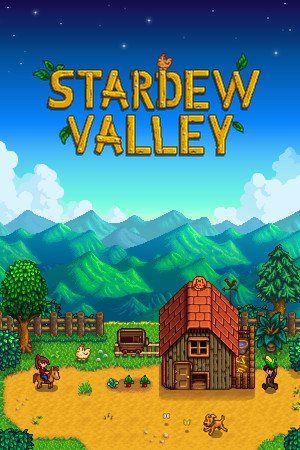
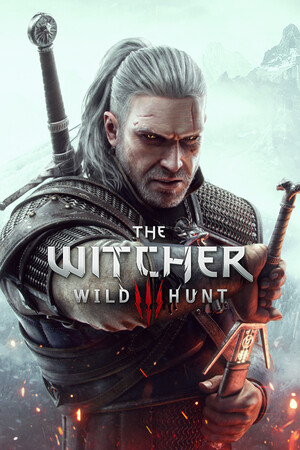
Turn it on and your games are already there, ready to pick up where you left off.
HomeLibrary
Downloading 64%9:41 PM
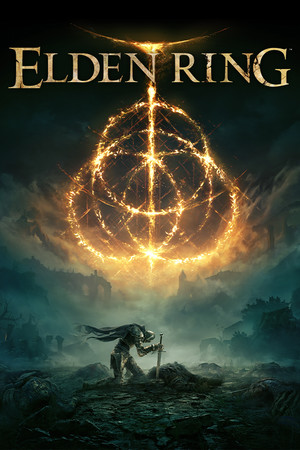
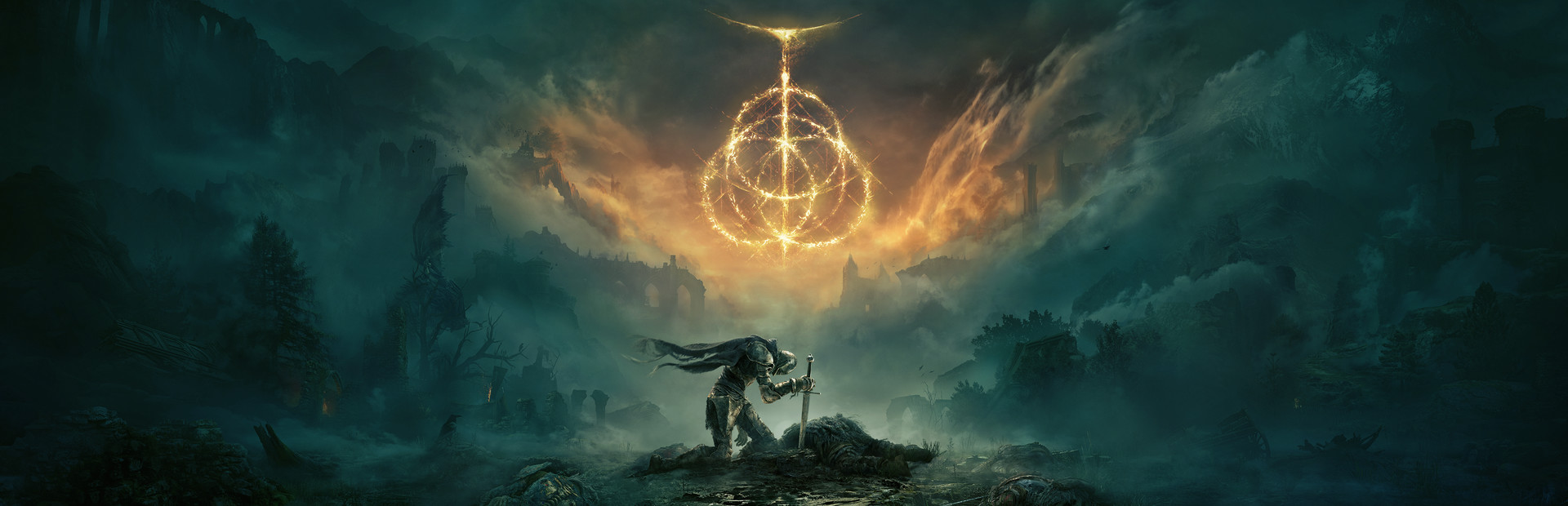
CONTINUE · PLAYED 40 HRMetacritic 94Action · RPG66.91 GB2022ProtonDB GoldPlays on this PCRise, Tarnished, and be guided by grace to brandish the power of the Elden Ring and become an Elden Lord in the Lands Between.
Go on, it's live: move over the games and the buttons, or use the arrow keys.
Will it run?
You know before you press Play.
Every game's page sums it up in one line, from what other players found on Linux and what your PC can do: its processor, memory and graphics card.
Real results from the community lists →
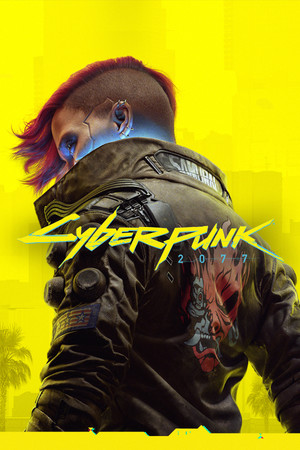
Cyberpunk 2077PC · the Windows version, through Proton
Plays on this PC
ProtonDB: GoldThis PC: can run it
One place
PS5, PS4 and PC, with nothing to set up.
The emulators install and update by themselves, without touching your saves. Windows games come along through Proton or Wine, with their ProtonDB rating.
PS5
KytyPS5Installed and kept up to date for you
Up to date
PS4
shadPS4Installs the first time you play a PS4 game
Ready
PC
Linux and Windows gamesNative, or through Proton and Wine
ProtonDB rating shown
Looks the part
Your games, looking their best.
Official backgrounds, logos and covers, and trailers that play right in the launcher. Home opens on what you played last, so you pick up where you left off.
CONTINUE · STARDEW VALLEY · PLAYED 210 HR
Made for the sofa
Any controller. No setup.
DualSense, DualShock 4, Xbox and most others, over USB or Bluetooth. The PS button switches between the game and the launcher. A keyboard and mouse work too.
AzrakOS is a small Linux, built on Fedora, with the launcher as the whole screen. Turn the PC on and your games are there: no desktop, no passwords to type, no pop-ups.
Runs from the stick. Nothing on the PC changes.Continue
01
Put it on a USB stick
Any stick of 4 GB or more. Write the image with balenaEtcher: choose the file, the stick, then Flash.
02
Start the PC from it
Press the boot menu key as the PC starts (usually F12, F11, F8 or Esc) and pick the stick. It runs from there; nothing on the PC changes.
03
Try it, or install it
Play from the stick first if you like. To install, pick a disk and wait a few minutes. From then on the PC starts straight into Azrak.
Everything from the sofa
Wi-Fi, controllers, sound and updates are all in Settings, set up with the controller. No keyboard, no terminal.
Updates you never have to fear
The system, the launcher and the emulators update on their own. If an update ever breaks something, the previous version is still there in the boot menu: pick it and you're back.
Starts the newest AzrakOS.
What your PC needs
Processor4 cores, from 2013 or later (Intel Haswell, AMD Excavator and newer)
Memory8 GB, or 16 GB for PS5 games
GraphicsVulkan 1.3: AMD, NVIDIA or Intel. NVIDIA's driver is set up by itself
Disk64 GB, and internet for games and updates
Bring the games you already have
Point AzrakOS at the folder or drive where your games are, in Settings → Game folders, and they're on Home with their covers. Installing AzrakOS erases the disk you pick, so keep your games on another one.
Which one is for you?
LauncherAzrakOS
Your desktop and appsStay as they areThe disk you pick is erased
Starts straight into your gamesOpen it like any appYes
Try before installingNothing to try: it's an appFrom a USB stick
Updates itselfYesYes, the whole system
You needA 64-bit PC running LinuxA 64-bit PC and a 4 GB USB stick
Yes. The launcher and AzrakOS cost nothing and are open source under the MIT License, with all their code on GitHub.
Will every PS5 or PS4 game run?
Not yet. The emulators are young, so each game tells you what to expect on your PC before you start it, from what other players found on Linux.
Do I need AzrakOS?
No. The launcher runs on most Linux systems: Ubuntu 22.04 and newer, Debian 12, Fedora 36, Mint 21, Arch and SteamOS 3. AzrakOS is for a PC you want to use only as a console.
Why only Linux?
Because it's the better place to play: open, fast, and yours. Azrak is made for Linux and only for Linux, so all of the work goes into making it great there.
What happens to my saves when something updates?
Nothing. The launcher updates itself and its emulators without touching your saves, and on AzrakOS the version before an update stays in the boot menu.
Something doesn't work. Where do I tell you?
Open an issue on GitHub for the launcher or AzrakOS. Saying which game and which PC helps a lot.